Making live bus tracking more personal with clearer Explore screen map controls
Live vehicle tracking is at the heart of Passenger-powered apps, and research shows real-time bus information helps grow ridership. So we've made it even easier for riders to tailor the live map to the services they actually use.
30th Sep 2026

Most of the apps we use every day are built around us. Streaming services remember what we’re watching and delivery apps put our usual order first. It’s no surprise that 71% of consumers now expect personalised experiences from the brands they use.
Journey planning should be no different. A rider waiting for the 12 doesn’t need to see every bus on the network. They need to see theirs.
Live vehicle tracking is at the heart of Passenger-powered apps, and research shows real-time bus information helps grow ridership. So we’ve made it even easier for riders to tailor the live map to the services they actually use.
What’s changed
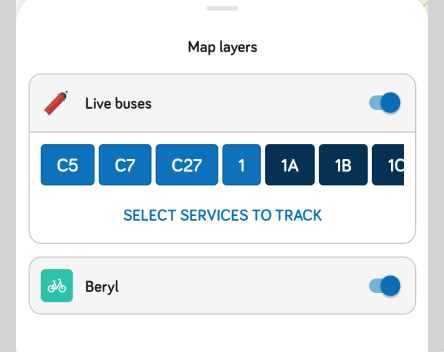
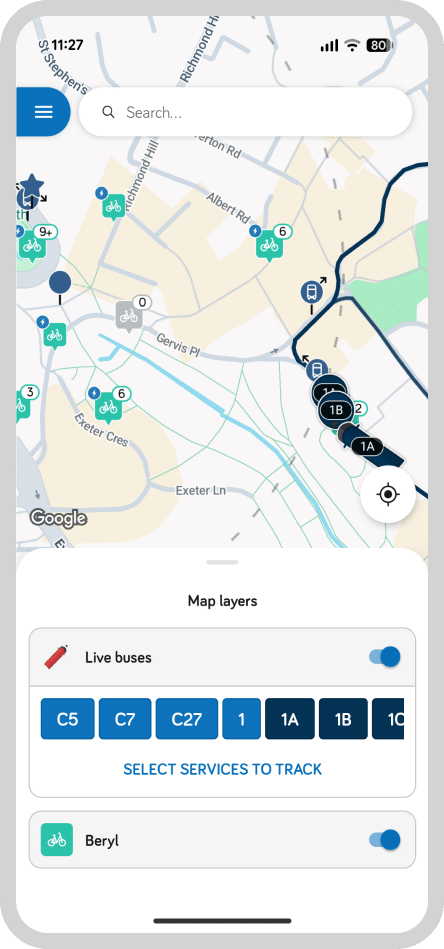
From version 120, the map layer controls on the Explore screen, covering live vehicle tracking and micromobility, have moved into a dedicated panel at the bottom of the screen. It gives riders bigger touch targets and a clearer layout, with three key improvements:
- Choose the services you care about. A clear prompt invites riders to select which services they want to track live. For a new user, it avoids the confusion of opening a map and seeing nothing on it and is an improvement for customers who may have been familiar with seeing all vehicles tracking when using another application
- See what you’re tracking. The services a rider has selected are summarised within the map controls, so they can check at a glance and change them in a couple of taps.
- Labels, not guesswork. Every control now pairs its icon with plain text, so there’s no ambiguity about what each layer shows.
The result is a map that shows riders what matters to them, with a clear display of how to amend their selection. The update rolled out from Wednesday 5th August 2026 and applies automatically to all apps on version 120 and later.
Part of a more personal app
Personalisation has never been an afterthought for us. It’s always been at the forefront of how we build our apps, from Favourites, which let riders save their regular stops, to personalised travel alerts, which keep them informed about disruption on the services they use. Clearer map controls are the next step towards an app that knows each rider’s stop, route and bus.
We’re committed to bringing even more personalisation to our apps, helping operators give their passengers journeys that feel built around them. Feedback from our network of operators continues to shape what we build next.
To find out more about the updated Explore screen, please don’t hesitate to drop us a line.
Share this article

Newsletter
We care about protecting your data. Here’s our Privacy Policy.
Related news
20th Oct 2025
East Yorkshire pushes the customer experience with new travel alerts
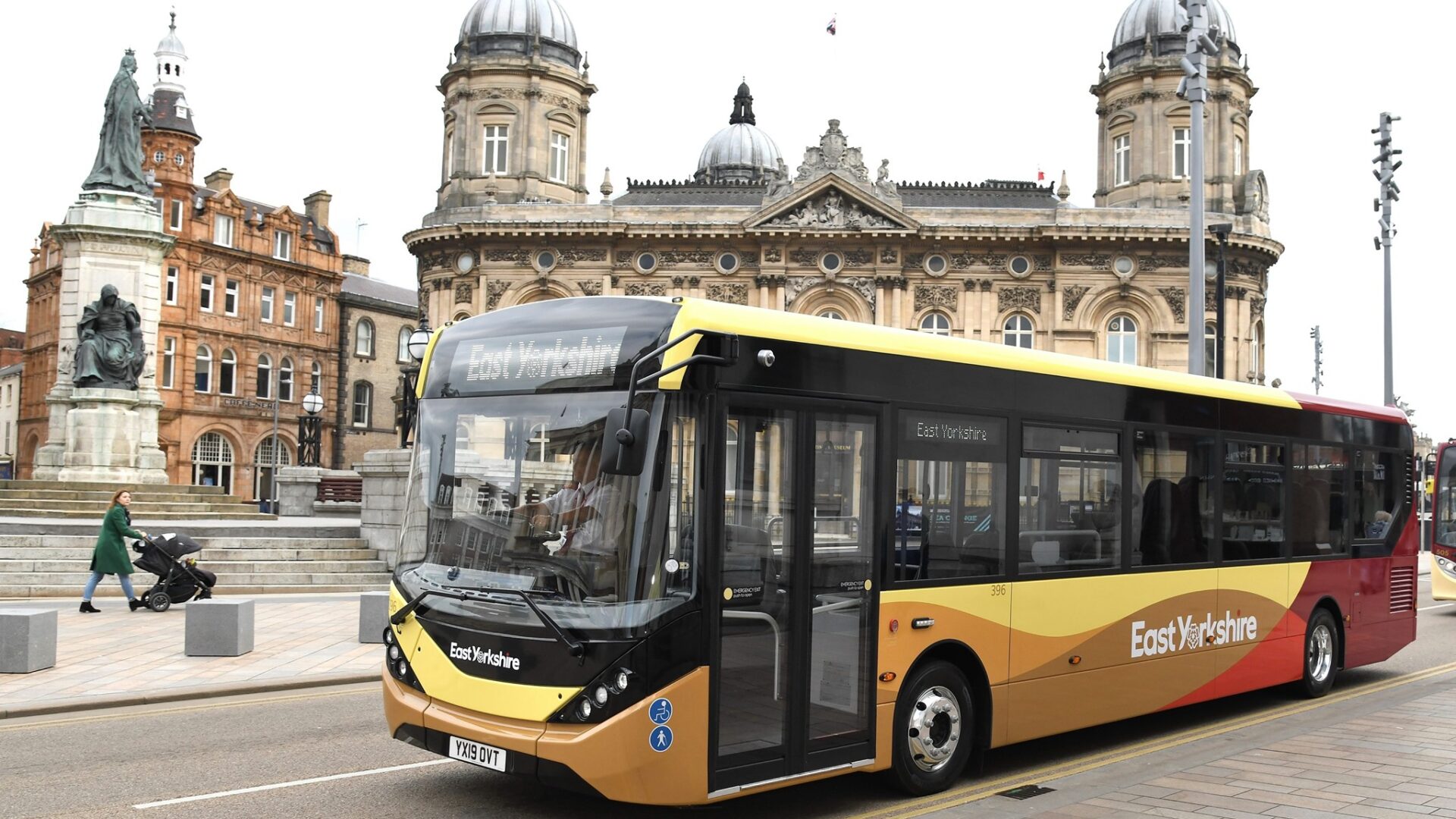
Long-standing partner East Yorkshire Buses has gone live with Passenger’s push notification-based personalised travel alerts capability across its network in Hull, East Yorkshire and the North.

16th Oct 2025
Hertfordshire County Council renews partnership with Passenger, leveraging SAM’s National Mobilities Procurement Hub
Hertfordshire County Council renews its Passenger contract via SAM's National Mobilities Procurement Hub to continue providing its Intalink multi-operator website.

2nd Apr 2025
Traveline appoints Passenger for next generation digital services
Serving up five million results to customers every month, Traveline offers multi-modal journey planning that includes every bus, coach, rail, ferry and light rail route in England, Scotland and Wales.

Start your journey with Passenger
If you want to learn more, request a demo or talk to someone who can help you take the next step forwards, just drop us a line.